Microsoft is tuning Windows for Nvidia’s new RTX Spark laptops, with easier installation of AI agents and ongoing work to make Windows apps run smoothly on the machines’ Arm-based chips. The pitch is a laptop that can run AI models locally. The reality, at least so far, includes some setup friction and models that may be better left working while you do something else.
Microsoft and Nvidia introduced the first RTX Spark laptops at a San Francisco launch event last week. They look like familiar Windows PCs, but use an Arm CPU alongside Nvidia’s Blackwell GPU and unified memory, rather than the x64 processors traditionally supplied by AMD and Intel. Nvidia’s bet is that this combination can run powerful AI models on a laptop.
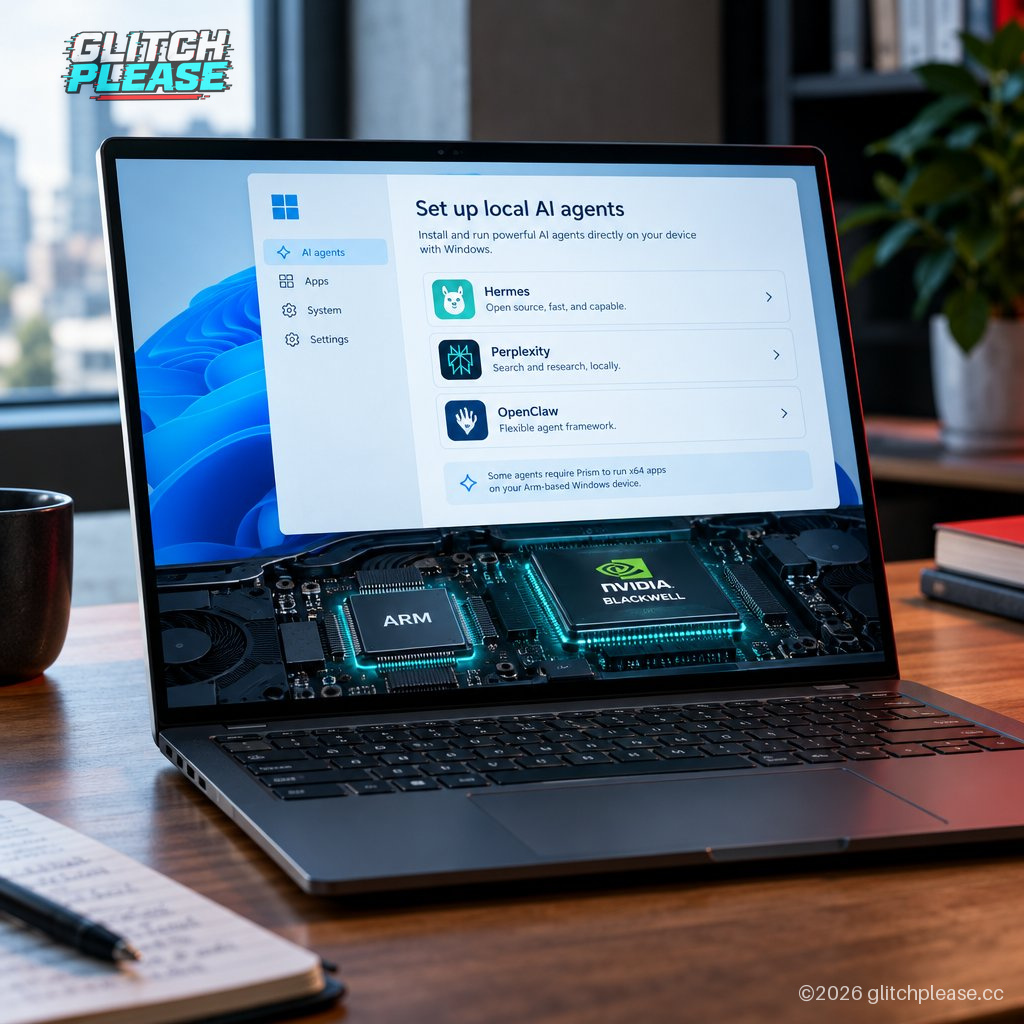
To make those models easier to use, Windows will offer a new Get Started experience that helps users find and install supported agents. “When users get into Windows for the first time, they’ll see a new Get Started experience that will launch on an RTX Spark laptop that allows them to find the agent they want, get started with that agent, install it, and get to that agent in only two clicks,” Peter Dawoud, a principal program manager at Microsoft, told The Verge’s Tom Warren.
Hermes, Perplexity, and OpenClaw are the first officially supported agents at launch. They can be installed and updated through the Windows Store, and Microsoft says it plans to add more. Warren reports that getting Hermes running was mostly a two-click process in his testing. OpenClaw, less obligingly, complained that its local gateway wasn’t installed properly; uninstalling and reinstalling the app resolved the issue.
That’s a useful reminder that “two clicks” describes the intended path, not a binding contract with every piece of software. And the broader case for local AI is still taking shape. Warren says large local models respond more slowly than cloud models, and suggests they may be more useful for background work or tasks that can run overnight than for quick back-and-forth prompting. He says he’ll need more testing to judge their value beyond tasks such as coding.
Windows also needs to handle the ordinary apps people expect to use on a laptop. For software without a native Arm version, RTX Spark relies on Microsoft’s Prism emulator, which translates apps built for x64 processors so they can run on Arm hardware. Windows on Arm has struggled with emulation for years; Microsoft’s improved Prism and a growing selection of Arm-native apps have helped, following the arrival of Qualcomm’s Snapdragon X laptops.
Microsoft says Prism still needs platform-specific tuning. “Emulation isn’t generic. Each platform needs tuning,” Dawoud said, explaining that translating x64 software requires optimization for the particular processor design. Some work targets gaming, where CPU performance can affect frame pacing and how smooth a game feels. Microsoft ships Prism compatibility updates monthly, Dawoud said.
So RTX Spark’s launch is not just about putting a powerful GPU in a laptop. Windows has to make the Arm processor, existing apps, games, and new AI tools behave like parts of one computer, rather than guests at a dinner party who have not been introduced. Microsoft’s ongoing updates are promising; the early OpenClaw hiccup is a reminder that “ready for AI” still involves some very traditional troubleshooting.
Sources: Glitch Please! and The Verge — Tom Warren — https://www.theverge.com/tech/1011996/microsoft-windows-rtx-spark-platform-changes-notepad — Reporting and hands-on observations by Tom Warren
Generated by AI
