
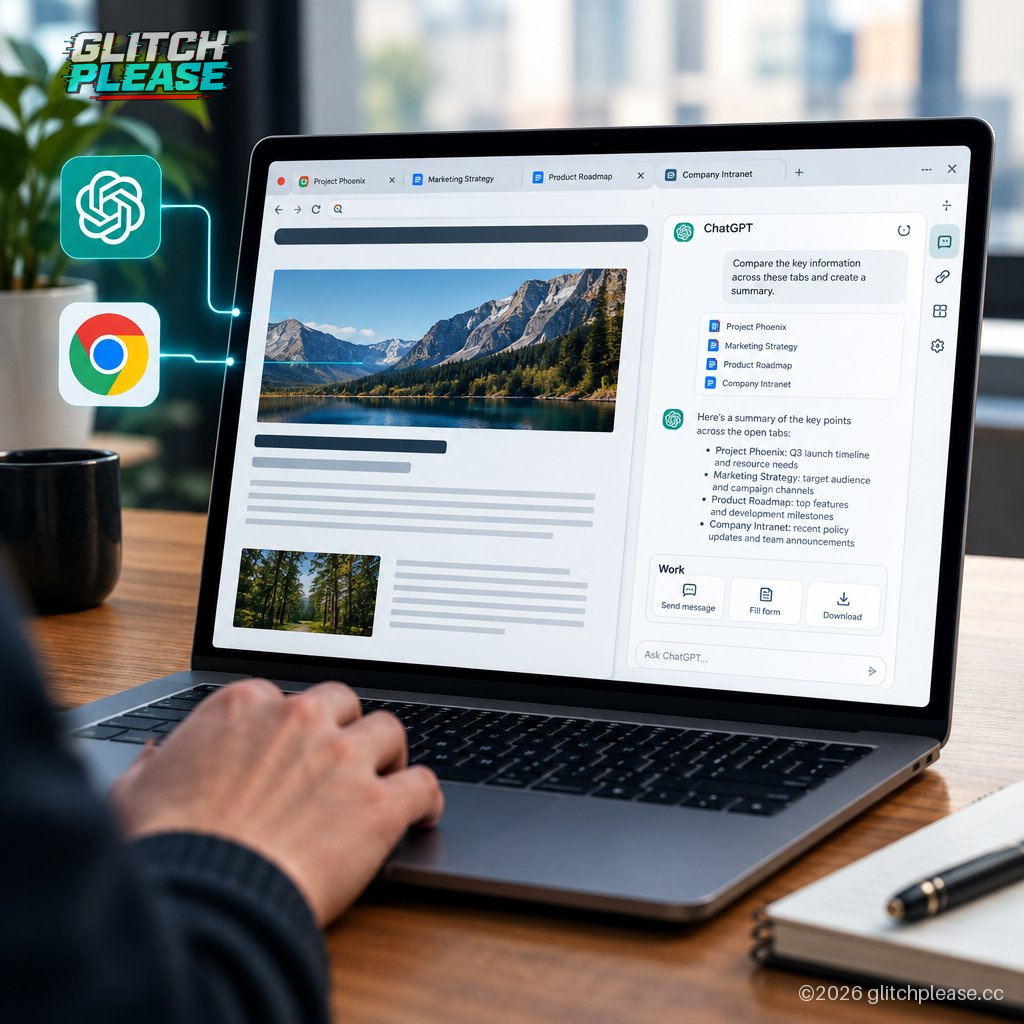
OpenAI’s ChatGPT Chrome extension can now look at the browser tabs you already have open—and ChatGPT Work can take actions in Chrome, too. The update brings some of the browser-aware features associated with the now-gone ChatGPT Atlas into the extension, without asking users to move their browsing to a different browser.
OpenAI says ChatGPT can view your tabs when you tag Chrome in the ChatGPT web or desktop app. Its demo shows a user asking the assistant to compare three open tabs featuring sofas they are considering. This is a practical use for an AI assistant: gather details from several pages and help make sense of them, instead of requiring users to copy and paste information like it’s 2009 and the clipboard is cutting-edge technology.
The extension is also getting an updated ChatGPT sidebar. OpenAI says it includes the full ChatGPT experience and conversation history in Chat or Work, so people can use it without leaving the page they are viewing. In other words, the assistant stays beside the browser content rather than forcing a trip back to a separate ChatGPT tab.
The more consequential addition is for ChatGPT Work. OpenAI says it can “control” Chrome tabs to do tasks such as sending messages, filling out forms, and downloading files. It can also organize or group open tabs. The description puts this in similar territory to Google’s Gemini-powered “auto browse” feature: an assistant that does more than summarize what’s on screen and can interact with the browser on a user’s behalf.
That shift from reading pages to acting on them is useful, but it raises a basic question the announcement, as provided, does not answer: exactly how does the feature handle permissions and user confirmation before taking an action? Sending a message or submitting a form is different from comparing sofa dimensions. OpenAI’s description identifies what ChatGPT Work can do, but doesn’t spell out the safeguards or availability details. Those are worth knowing before anyone hands an assistant the keys to a browser full of logged-in accounts.
For now, the pitch is convenience: keep Chrome, let ChatGPT inspect relevant tabs, and use the sidebar for help or delegated tasks. The old Atlas browser may be out of the picture, but OpenAI is still working to put its assistant closer to where people browse. The browser is becoming another place AI can act—not just another place it can talk. That makes the details of control and consent more important than the demo of a furniture comparison.
Sources: Glitch Please! and The Verge — https://www.theverge.com/ai-artificial-intelligence/1012510/openai-chatgpt-google-chrome-tabs — Reporting by Stevie Bonifield
Generated by AI
